
A Clear Walk Through the Tax Withholding Estimator Screens
Tax withholding estimator results start at one paystub line. See which line the IRS wants, and where each result lands on your W-4.

In This Article
Who can use the IRS tax withholding estimator
The IRS Tax Withholding Estimator is a free tool that works out how much federal tax your employer should withhold, in about 25 minutes. You can use the IRS estimator with a W-2 job, or a pension or annuity with federal withholding. If your refund shrank, you expect a smaller one next year, or you added a second job, start here.
The IRS updated it in March 2026 for no tax on tips and overtime, car loan interest and the senior deduction. It asks for no name, Social Security number or login.
ℹ️ Financial Disclaimer: This article explains federal withholding for educational purposes only and is not personalized tax advice. Consult a CPA or enrolled agent before changing your Form W-4.
What to have on hand before you start
Gather these first:
- Latest paystubs for every job or pension, plus your spouse’s if filing jointly
- Your most recent federal return, if you have other income or itemize
- Records of self-employment, gig or Social Security payments
- Expense records, if you itemize

Pre-tax contributions usually sit under “Deductions” or “Pre-Tax” on a paystub. Nothing you enter is saved.
What each screen of the tax withholding estimator asks
The estimator has seven screens, and the IRS lets you preview most questions.
- About you: age, blindness, dependents, filing status and spouse questions.
- Income & tax payments: each job from your latest paystub, tips and overtime (our overtime calculator helps), pensions, self-employment, investments and estimated payments.
- Adjustments: student loan interest, educator expenses, IRA or HSA contributions.
- Deduction choice: where itemized deductions go; our 2026 deduction calculator helps you compare.
- Additional deductions: more deductions beyond screen 4.
- Credits: only some are supported, and ones you appear ineligible for are hidden.
- Results: your refund or amount owed, plus a pre-filled Form W-4 if you need one.
Which paystub line is your federal withholding?
Entry mistakes on Income & tax payments skew every later result, as the IRS estimator FAQs warn. Federal withholding may be labeled FIT, FITW, FITC, Fed W/H or Federal income tax.
| Paystub item | Enter on | Key detail |
|---|---|---|
| Federal tax, this pay period | Income & tax payments | This period only |
| Federal tax, year to date | Income & tax payments | Running total |
| 401(k), 403(b) and similar | Pre-tax contributions | Leave out Roth |
| Health, dental, vision premiums | Pre-tax contributions | Leave out employer-paid |
| State, local, Medicare, Social Security | Not entered | Not federal withholding |
Source: IRS estimator FAQs and live tool, reviewed October 12, 2026.
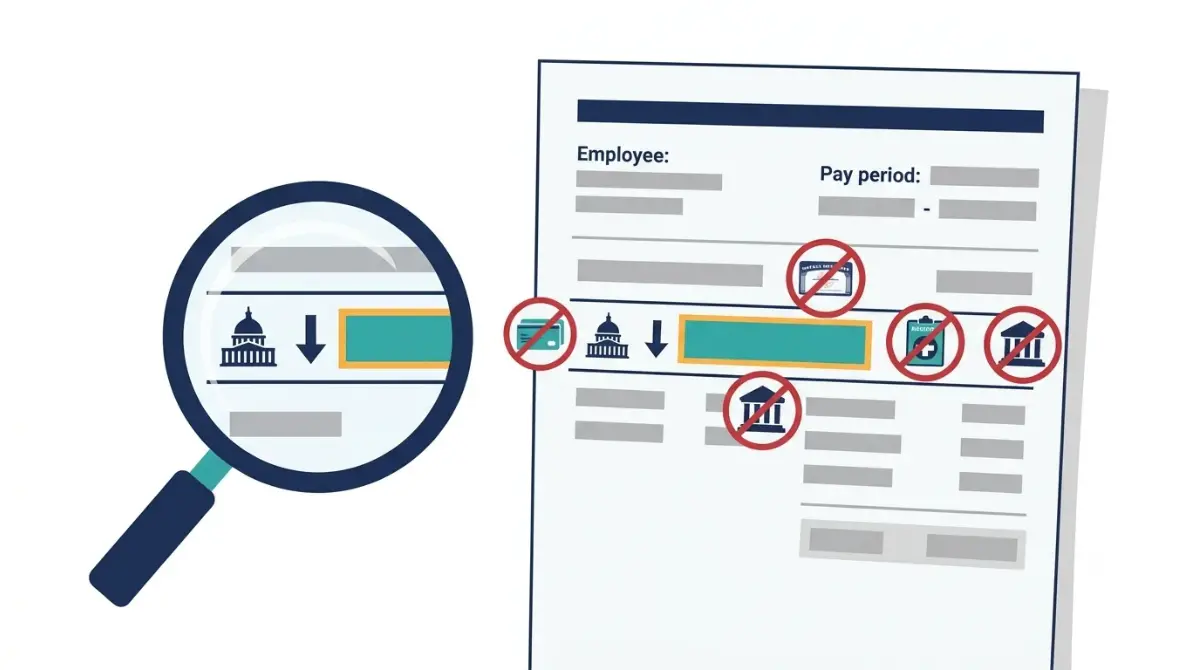
⚠️ Costly Mistake: Mixing one paycheck’s federal amount with a year-to-date total throws off every figure; check pay with our paycheck calculator.
How to read your refund or amount owed
The result is arithmetic you can check, the same tax refund formula applied to a full year.
🔍 How It Works: For a job you hold now, the estimator multiplies remaining pay periods by federal tax withheld per period, adds withholding so far and estimated payments, and subtracts the total from your estimated liability. Illustration, not typical: 6 paychecks left at $500, plus $10,000 withheld, is $13,000; against a hypothetical $13,800 liability, you’d owe $800.
The estimate can differ from your return if your inputs are off or the tool omits provisions you use. Cross-check with the refund-versus-owing math or our income tax calculator.
✅ Action Step: If your estimate is far from zero, ask a CPA or enrolled agent whether it misses income or credits the estimator doesn’t support.
Turning your result into a new Form W-4
Form W-4 offers four ways to change withholding; the IRS says one or two amounts are enough.
- Step 3 lowers the tax withheld.
- Step 4(c) raises it with a flat amount.
- Step 4(a) adds income subject to withholding.
- Step 4(b) reduces it.
With two jobs or a working spouse, use the highest-paying job’s W-4; see how to adjust your W-4. If payroll accepts only multiples of $500 for Step 3, round down (the IRS example turns $1,650 into $1,500).
Give the finished Form W-4 to your employer, not the IRS; preview the effect with our take-home pay calculator. Check withholding every January, and in late December if you changed it mid-year.
✅ Action Step: Ask a CPA or enrolled agent: “Which W-4 steps fit two jobs when I also itemize?”
When the tax withholding estimator can’t help
- You need a job, pension or annuity with federal withholding.
- Nonresident aliens use Notice 1392.
- For Social Security or unemployment income, use Form W-4V or enter it so the estimate raises withholding on your wages.
Generally, you avoid the underpayment penalty if you owe under $1,000 after withholding and refundable credits, or pay at least 90% of this year’s tax or 100% of last year’s, whichever is smaller (IRS Topic no. 306). Special rules apply to certain higher-income taxpayers.
✅ Action Step: Ask a CPA or enrolled agent: “Do the higher-income penalty rules apply to my return?”
Tax withholding estimator FAQ
1. What is the tax withholding estimator?
The tax withholding estimator is the IRS’s free tool for estimating how much federal tax your employer should withhold.
2. How long does the tax withholding estimator take?
The tax withholding estimator takes about 25 minutes, so keep your paystubs and last return nearby.
3. What do I need for the tax withholding estimator?
For the tax withholding estimator, gather paystubs for each job plus your latest return if you have other income.
4. Does the tax withholding estimator save my information?
No. The tax withholding estimator asks for no name, Social Security number or login, and nothing you enter is saved.
5. Can I use the tax withholding estimator without a job?
No. The tax withholding estimator needs a job, pension or annuity with federal withholding; nonresident aliens use Notice 1392.
6. What screens does the tax withholding estimator have?
The tax withholding estimator has seven screens, running from About you and Income & tax payments through Credits to Results.
7. Which paystub line does the tax withholding estimator want?
Enter the line labeled FIT, FITW, FITC, Fed W/H or Federal income tax in the tax withholding estimator.
8. Is the tax withholding estimator exact?
The tax withholding estimator can differ from your return if your inputs are off or your situation involves provisions it omits.
9. How often should I use the tax withholding estimator?
Use the tax withholding estimator every January, and again in late December if you changed your withholding mid-year.
10. Where do the tax withholding estimator’s results go on my W-4?
The tax withholding estimator’s results go on Step 3 or 4(c), sometimes 4(a) or 4(b), of your highest-paying job’s W-4.
11. Can the tax withholding estimator help me avoid an underpayment penalty?
Withholding what the tax withholding estimator suggests can help you reach 90% of this year’s tax or 100% of last year’s, whichever is smaller.
Run the estimator with a paystub in hand
Open the IRS tool with a recent paystub beside you and take it one screen at a time. For anything it can’t model, ask a CPA or enrolled agent.
Related Articles
 Tax Refund
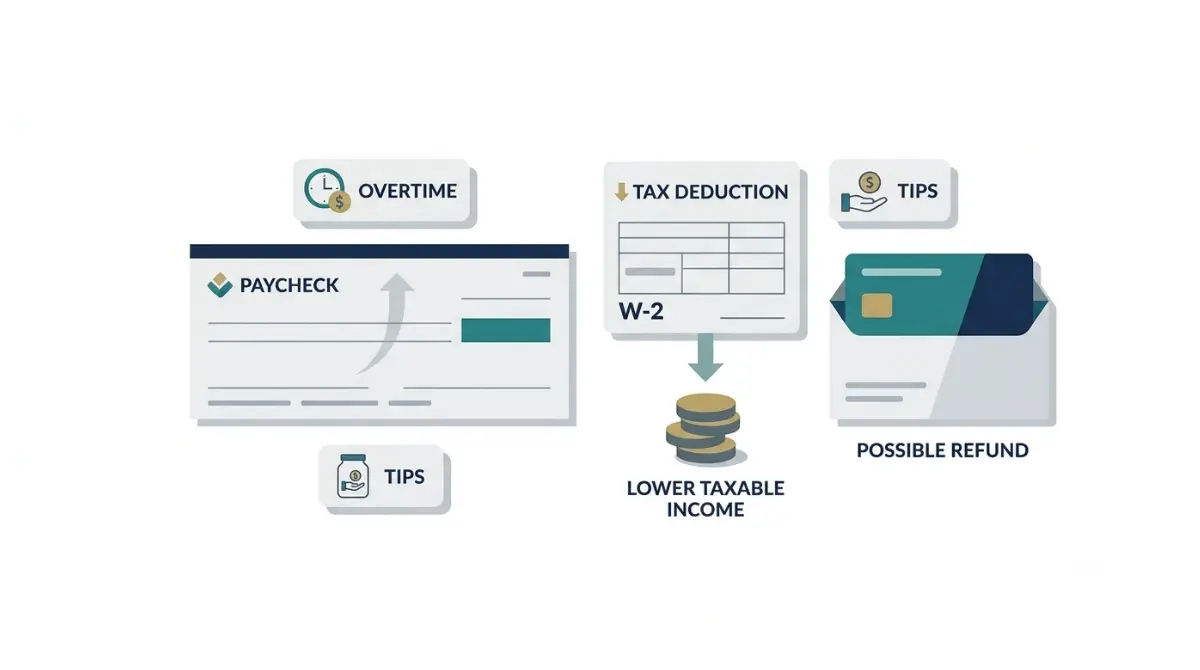
Set the Right Overtime Tips Deduction Withholding for 2026
October 13, 2026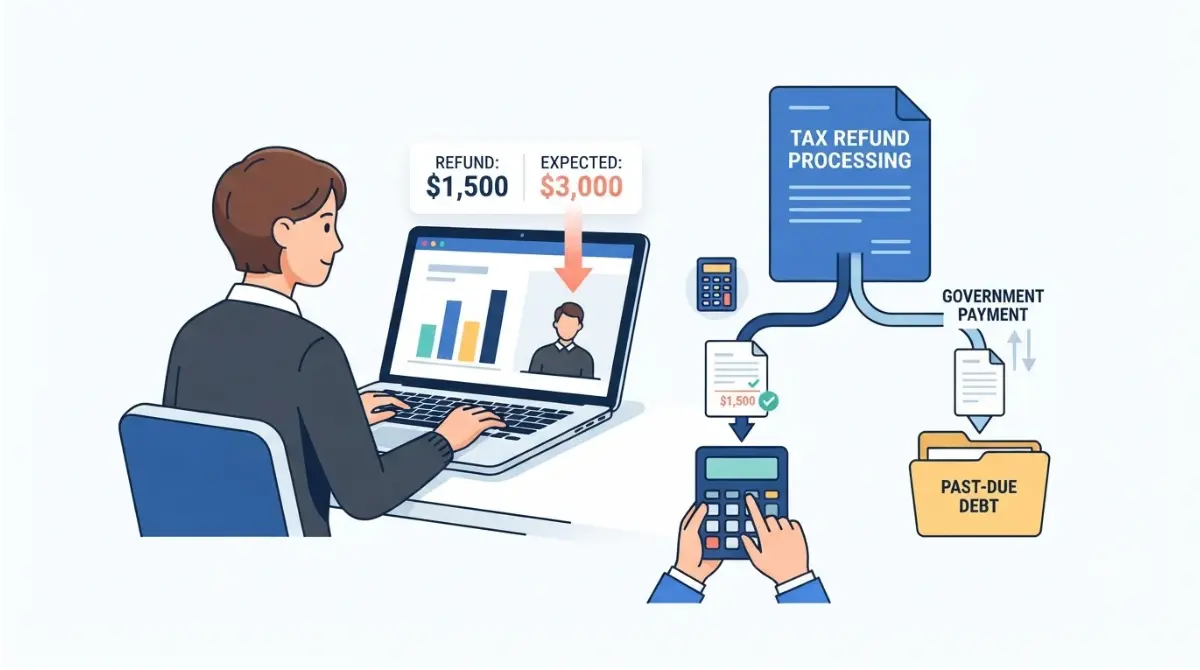 Tax Refund
The Right Way to Tell a Tax Refund Offset From a Correction
October 8, 2026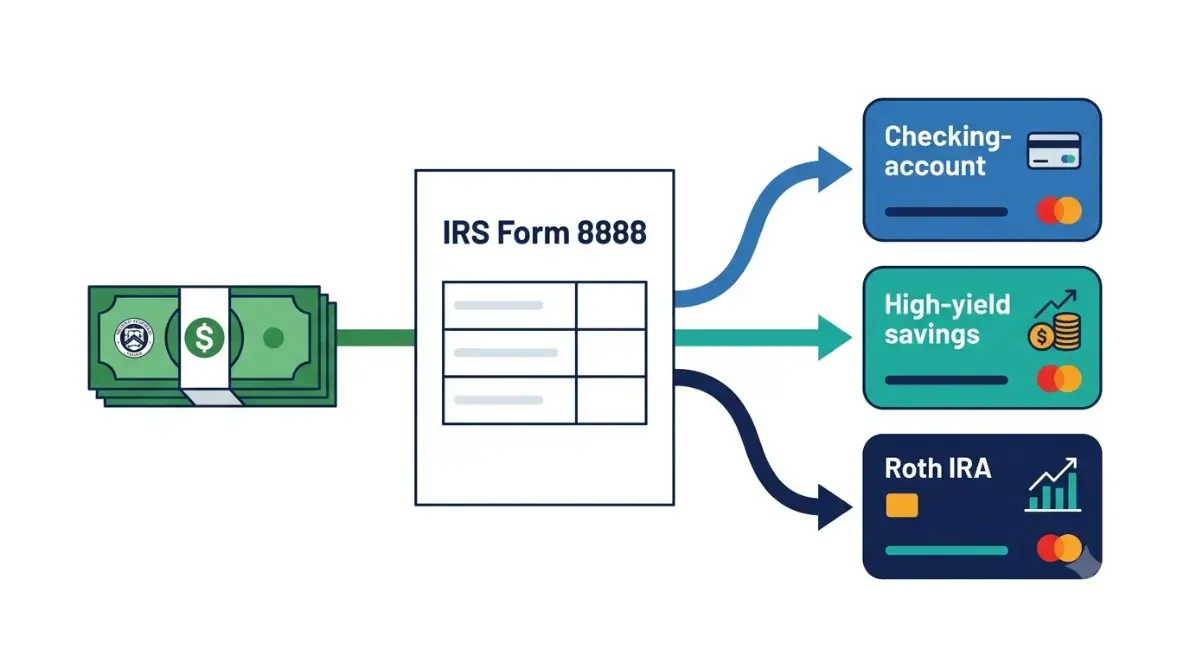 Tax Refund
Split Your Tax Refund With Form 8888 and Pick the Smart Order
October 16, 2026 Tax Refund
How to Make a Smart Tax Refund IRA Contribution for 2026
October 15, 2026 Tax Refund
Someone Filed Your Taxes for Your Refund? Your First Moves
October 17, 2026 Tax Refund
What a Tax Refund Advance Loan Really Costs You
October 16, 2026 Tax Refund
Should Your Tax Refund Pay Debt or Save? Find the Right Split
October 14, 2026 Tax Refund
Clear Signs of a Smaller Tax Refund Next Year
October 10, 2026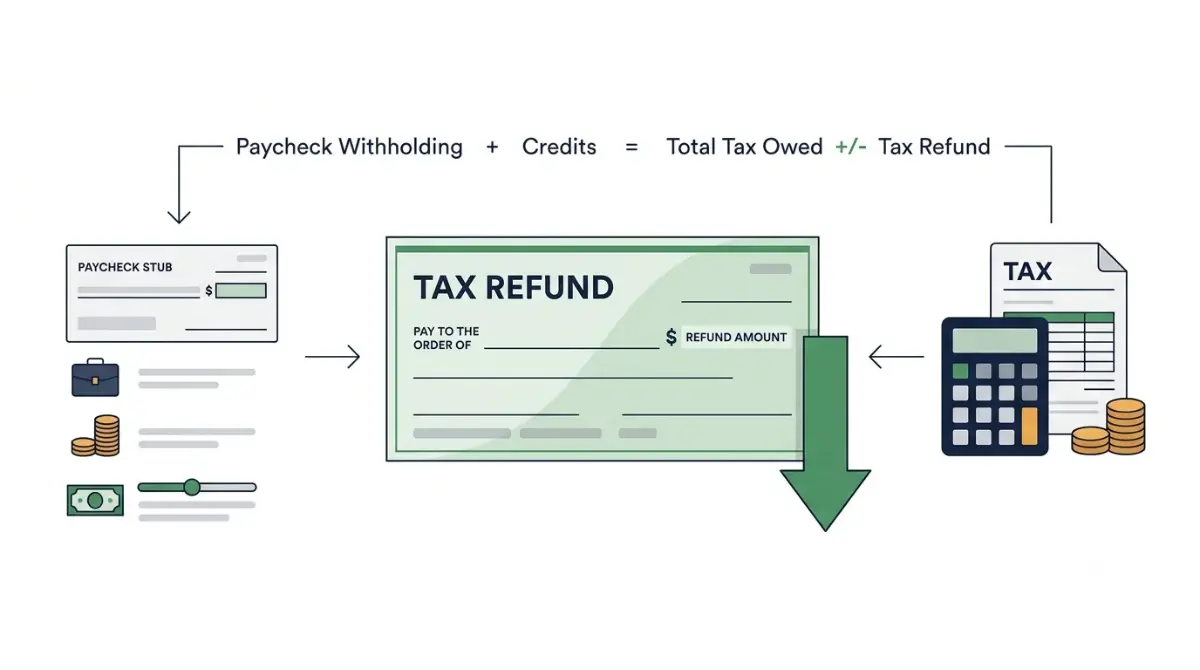 Tax Refund
Is Your Tax Refund Lower Than Last Year? Find the Real Reason
October 10, 2026
Informational disclaimer
The content on Finance Authority Hub is provided for general informational and educational purposes only and should not be considered personalized financial, investment, tax, legal, or professional advice. Financial decisions depend on your individual goals, income, risk tolerance, location, and regulatory situation. Before acting on any information, strategy, estimate, or calculator result, consult a qualified licensed professional who can evaluate your specific circumstances.